New Knowledge Center, 180/ 360 Rendering Guides, AI Assistant and Feature Requests
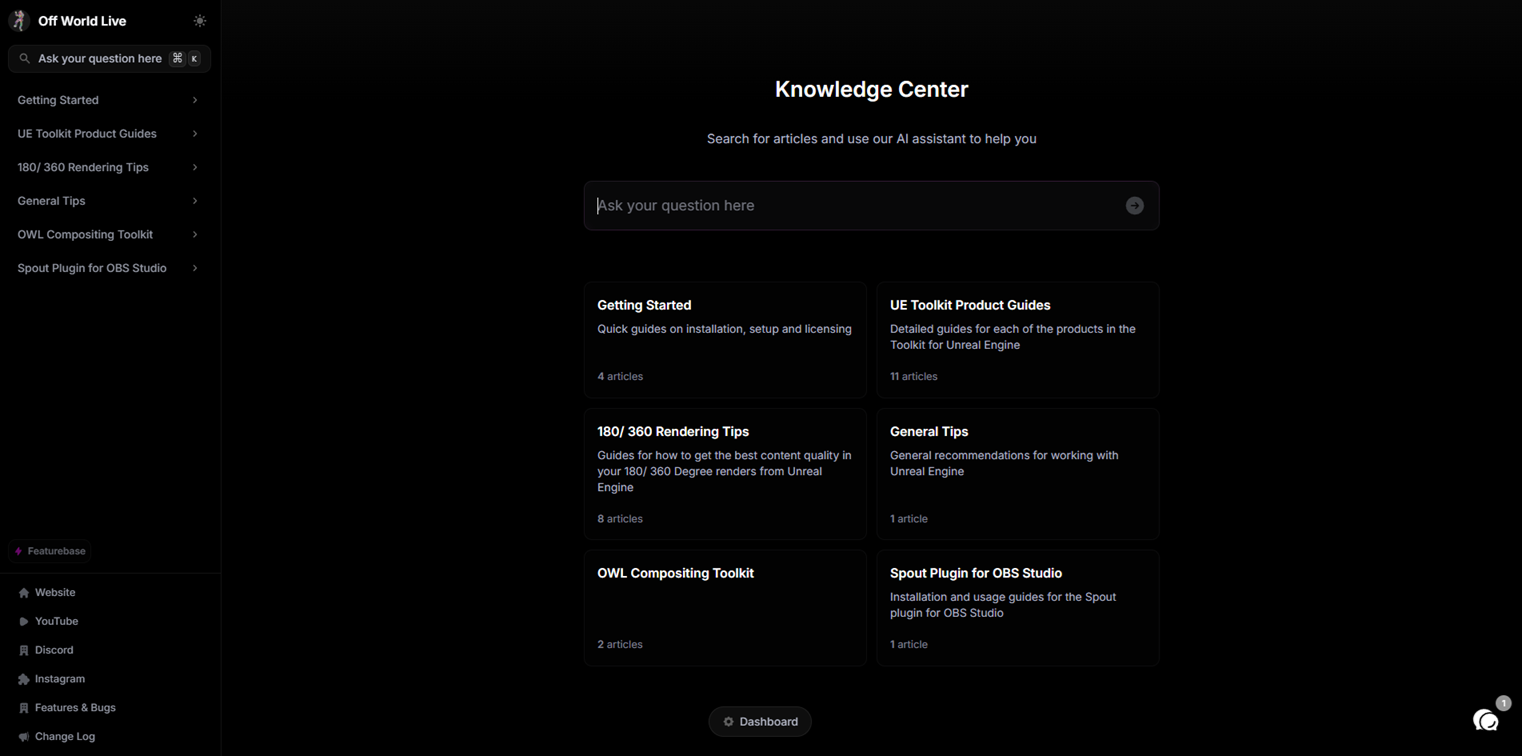
New Knowledge Center
We have released a new knowledge center for our tools where you can find extensive information about how to use our products.
Each article contains a detailed index on the right hand of the page which lists all sub-sections and corresponds to the order of our Actor Details panel in Unreal, making it extremely easy to use.
You can also find additional information about blueprints, key trouble-shooting tips and detailed content creation guidance.
180/ 360 Rendering Guides
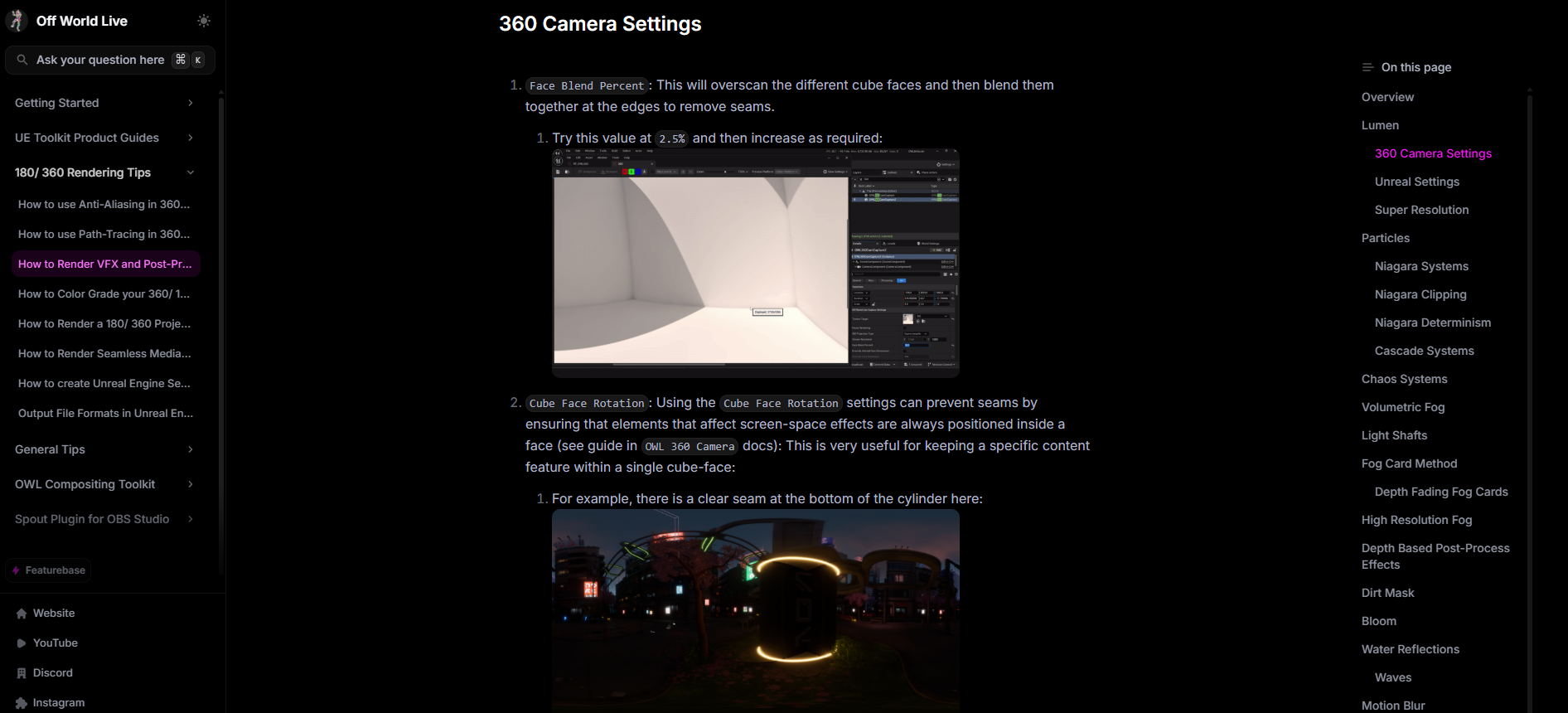
In addition to our product documentation, there is an in-depth section dedicated exclusively to 180/ 360 Degree rendering in Unreal, covering areas such as:
Anti-aliasing settings to use with Lumen.
Path-tracing and denoising.
Optimising VFX and Post-Process effects for 360 renders.
Color grading workflows for professional content.
How to get the best quality renders for VR headsets.
Workflows and tips for Domemaster content.
AI Assistant
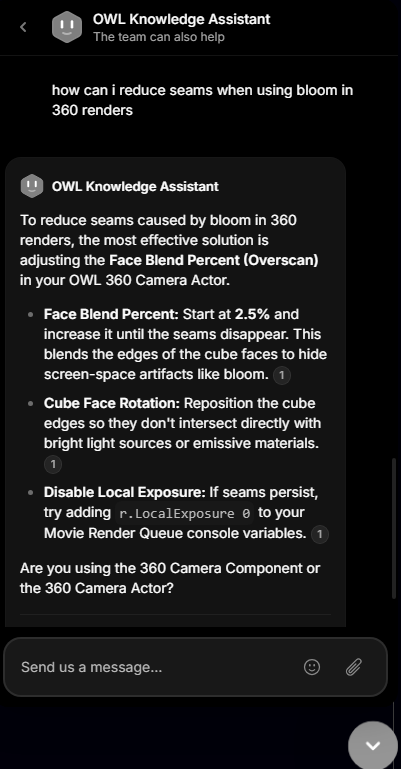
The knowledge center includes an AI knowledge assistant which is also accessible using the live chat function on our website and account pages.
You can ask it natural language questions (in any language) and it will reply both with suggestions and links to the relevant articles in the knowledge center. For example:
Feature Requests
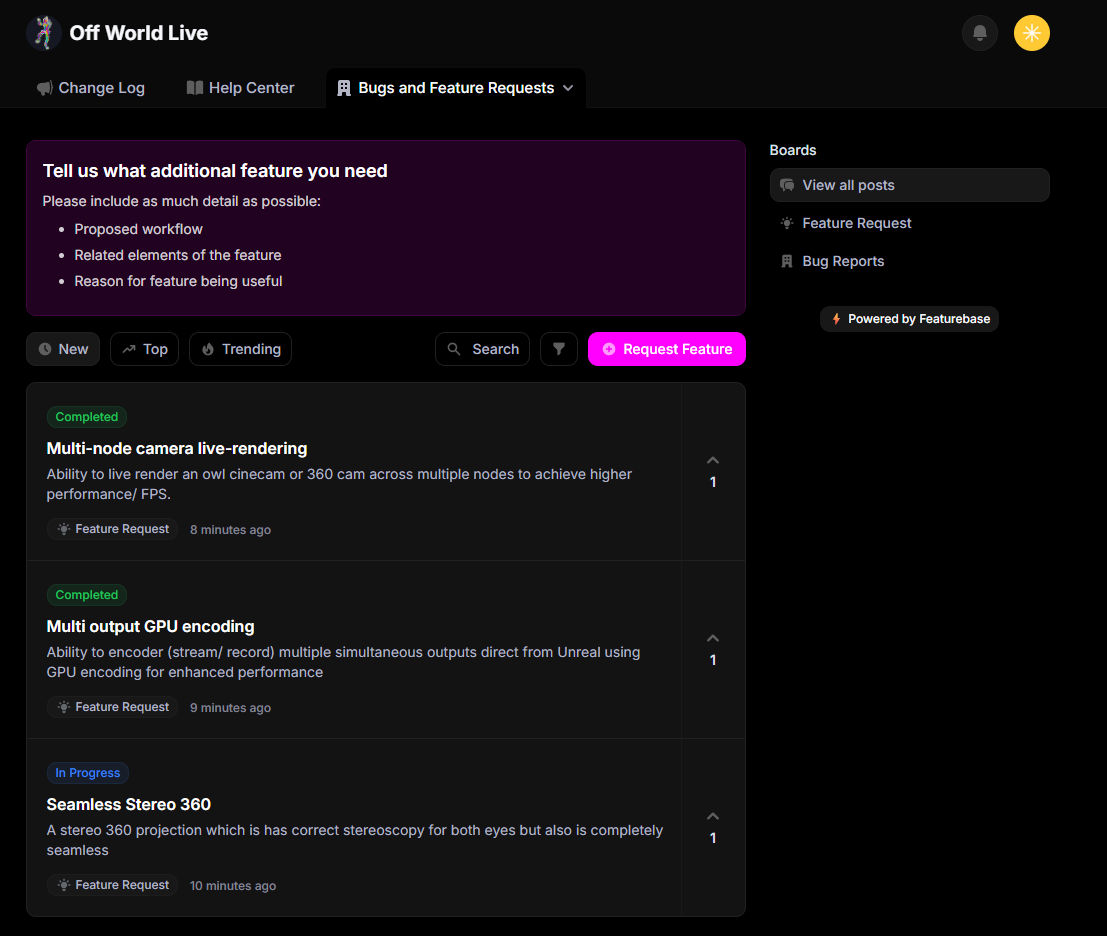
There is a new product portal which includes both the Changelog and a new Feature Requests and bug reporting section.
You can use this section to request features and other users can vote up the features to provide us visibility that they are desired by more users.